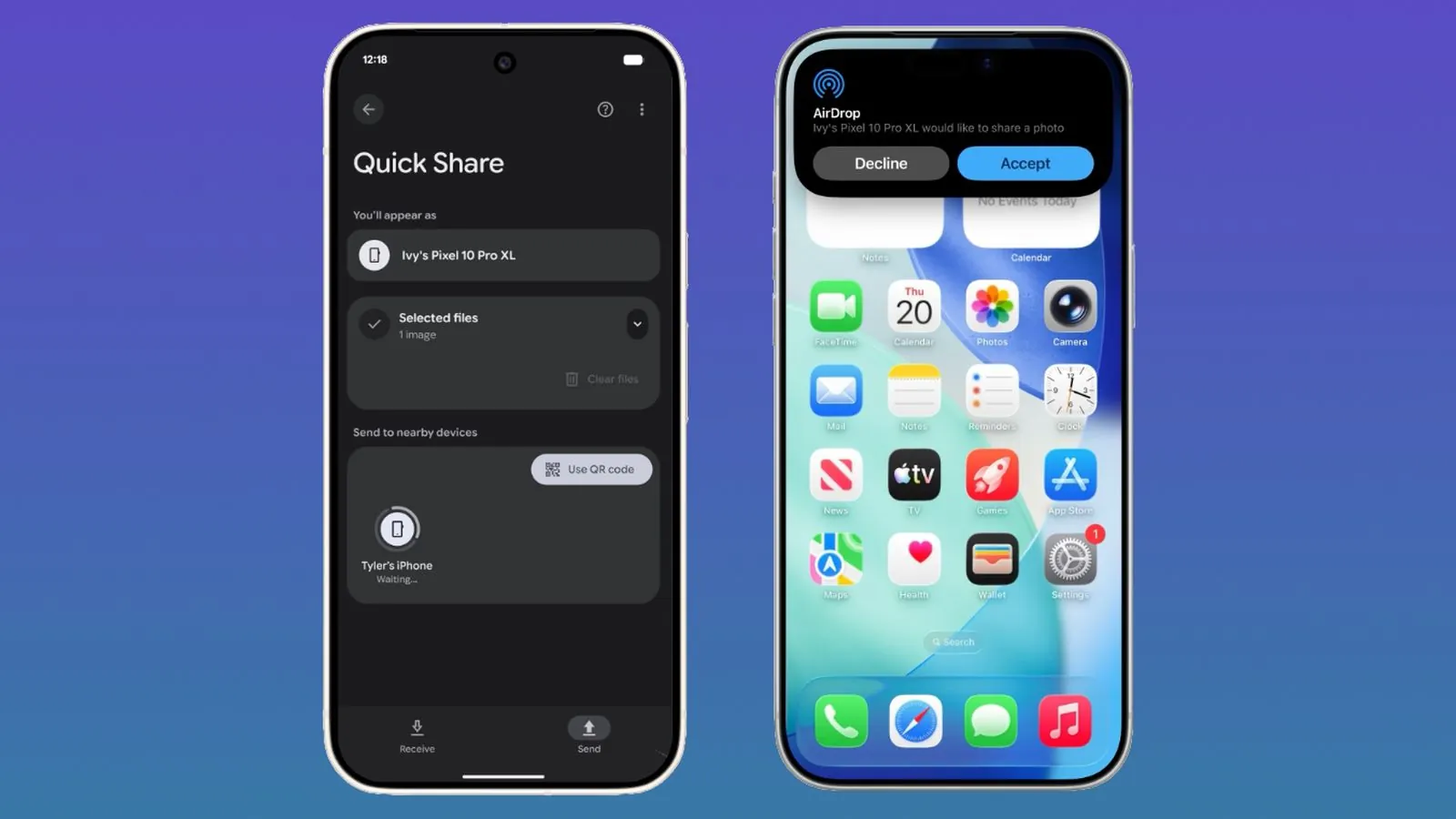
Google is expanding its cross-platform file-sharing feature to more Android devices, allowing them to transfer files to iPhones via AirDrop. In the coming days, Pixel 9, Pixel 9 Pro, Pixel 9 Pro XL, and Pixel 9 Pro Fold models will support AirDrop via Quick Share.
Google announced Quick Share and AirDrop compatibility as early as last November, but the feature was initially limited to the latest Pixel 10 series devices.
With AirDrop connectivity, Pixel 9 and Pixel 10 devices can transfer files to iPhones, iPads, or Macs, providing the same experience as AirDrop between Apple devices, without requiring an internet connection.
Apple device users who want to receive files from Pixel phones need to set AirDrop visibility to “Open to all for 10 minutes”. Once this setting is enabled, files from Android devices will display the same as AirDrop files sent from iPhones, with identical notification styles and receiving options. Files will be saved to the corresponding locations: photos to the Photos app, and documents to the Docs app.
Pixel users who want to receive files from Apple devices also need to enable “Open to all for 10 minutes” or enter receive mode on the Quick Share page. The files will be saved in the Files app.
Google states that the Quick Share and AirDrop interoperability features a multi-layered security design to ensure secure sharing across platforms. The features include a secure sharing channel, system-level protection for Android and iOS, and a user confirmation process before receiving files.
Devices connect directly to one another, and data is not relayed through a server. During bidirectional file transfers, both Apple and Pixel devices will display the other device’s name for easy user verification.